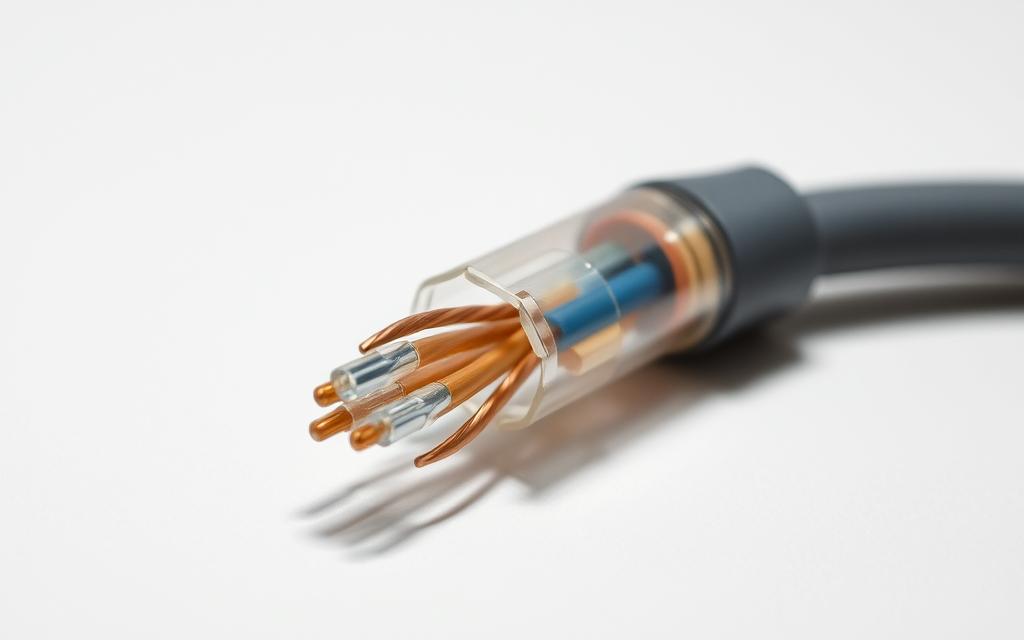

Modern wired networks need key parts to keep data flowing smoothly. Unshielded twisted pair cable is a mainstay for internet and phone systems.
This cable type has copper wires twisted in pairs. It has no shield but is wrapped in a jacket. The twist fights off outside electrical noise.
Anyone researching utp cable wired may also want to understand delete from managing connections before deciding on the best option.
The UTP cable definition shows its role in reliable connections. It’s good for data transfer, is affordable, and easy to set up.
Knowing how these cables work is key to understanding more about networks. They’re vital in today’s digital world.
Defining UTP Cables and Their Basic Characteristics
Unshielded Twisted Pair cables are key to modern wired networks. They have a simple yet effective design. This design balances performance with ease of use.
Core Components of UTP Cable Construction
A standard UTP cable has eight copper wires twisted into four pairs. Each pair has a colour code for easy installation.
The common colours are:
- Solid blue paired with white-and-blue striped
- Solid orange with white-and-orange striped
- Solid green with white-and-green striped
- Solid brown with white-and-brown striped
The wires are wrapped in a PVC jacket. This protects them from damage and environmental factors.
How Twisting Reduces Electromagnetic Interference
The twisting pattern is key to signal quality. Electrical currents in parallel wires create electromagnetic fields. These fields can disrupt other cables.
Twisting the wires cancels out these fields. The fields from each wire in a pair neutralise each other’s interference.
This method greatly reduces crosstalk and external noise. It leads to clearer signals and better network performance for all devices.
What Is a UTP Cable in Computer Network: Categories and Standards
Understanding UTP cable categories is key for network experts. These categories follow the TIA/EIA-568 standard. This standard sets performance levels for different network settings.
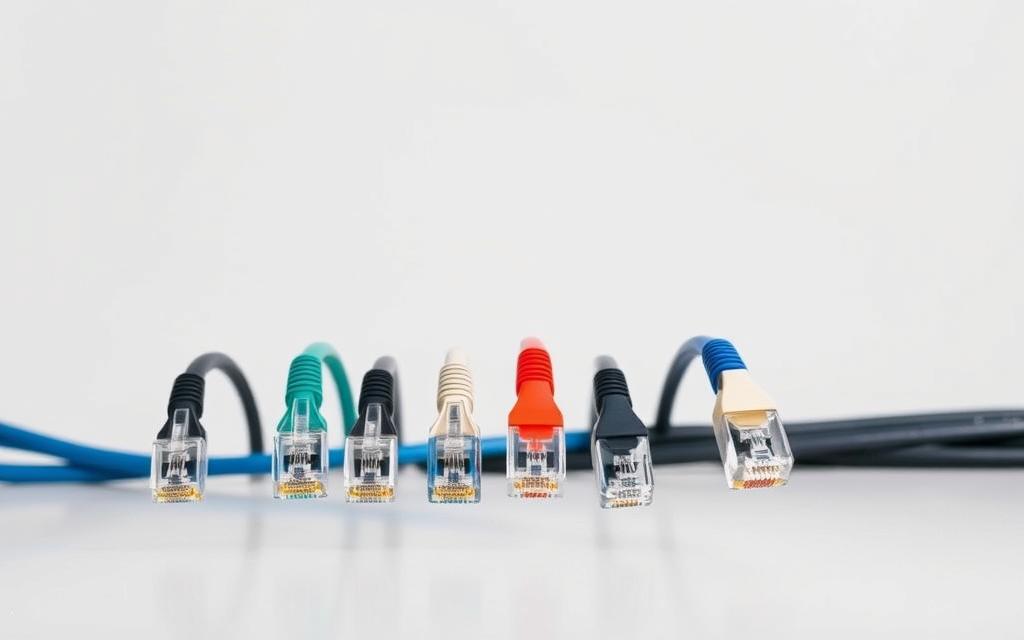
Common UTP Cable Categories and Their Uses
Network managers pick UTP cable categories based on their needs. Each category has unique features for various uses.
CAT5e: Balanced Performance for Most Networks
CAT5e is a common choice for many networks. It supports Gigabit Ethernet speeds up to 1 Gbps over 100 metres.
It’s great for most office and home networks. The improved twist rate cuts down on crosstalk, ensuring data is sent reliably.
CAT6 and Above: Supporting Higher Speeds and Bandwidths
CAT6 cables are a big step up for complex networks. They keep 1 Gbps speeds at 100 metres but can handle 10 Gbps at shorter distances up to 50 metres.
Even higher categories like CAT6a and CAT7 go further. They have more shielding and tighter specs for new bandwidth needs.
| Category | Maximum Speed | Maximum Distance | Common Applications |
|---|---|---|---|
| CAT5e | 1 Gbps | 100 m | Office networks, home installations |
| CAT6 | 10 Gbps | 55 m | Data centres, high-speed backbones |
| CAT6a | 10 Gbps | 100 m | Enterprise networks, server farms |
| CAT7 | 10 Gbps+ | 100 m | Specialised high-frequency applications |
Choosing the right UTP cable category is vital. It ensures your network runs well and is ready for future tech needs.
Applications of UTP Cables in Wired Network Setups
UTP wiring is key in both business and home settings. It connects many communication systems. These cables are good for data, are cost-effective, and easy to install.
UTP in Ethernet Networks: Connecting Devices Seamlessly
Ethernet networks use UTP cables a lot today. They link computers, printers, routers, and switches in local area networks (LANs).
UTP cables have standard RJ-45 connectors. This makes them work with most network devices. It’s easy to add new gear to your network.
Businesses need fast data transfer, and UTP cables deliver. They’re great for sharing files and video calls. They keep network activities running smoothly.
Use in Telephone Systems and Other Low-Frequency Data Transmission
Older phone systems use UTP cables for voice calls. They work well in homes and offices.
UTP cables are also used for low-frequency data. Security systems use them for cameras and sensors. They keep buildings safe.
Building automation systems use UTP too. They connect controls and monitoring in smart buildings. UTP helps these systems work well.
Audio-visual setups often use UTP for signal distribution. The twisted pair design keeps signals strong. It’s perfect for these low-frequency tasks.
Advantages of Using UTP Cables for Network Connections
UTP cables are widely used because they are cheap and easy to install. They are the mainstay of modern networks. They meet the needs of small and big projects.
Cost-Efficiency and Wide Availability
UTP cables are very cost-efficient. They need less material than other types, making them cheaper to make. This means they are affordable for any project size.
Big companies like UTP because it’s cheap but doesn’t skimp on quality. They are easy to find worldwide. This makes planning and budgeting easier for network managers.
UTP cables don’t need extra parts or special connectors. This saves money on installation. They are a smart choice for those watching their tech spending.
Simplicity in Installation and Maintenance
Setting up UTP cables is easy. They are thin and flexible, making them simple to run through tight spaces. You can use standard connectors without needing special tools.
Fixing problems with UTP cables is easy too. Without shielding, you can spot and fix issues quickly. This saves time and money on repairs.
Many choose UTP over other types for most jobs. It’s faster to set up and easier to change later. This makes it a popular choice for many.
UTP cables are also light and have a simple colour code. This makes them easy to identify and organise. It saves time and money in the long run.
Limitations and Disadvantages of UTP Cables
UTP cables have many benefits for networks, but they also have some drawbacks. It’s important for network designers to know these limitations. This knowledge helps make better choices for network setup.
Vulnerability to Electromagnetic and Radio Frequency Interference
UTP cables are not shielded, making them vulnerable to interference. Things like electrical equipment and fluorescent lights can cause problems. This interference can mess up data transmission.
Radio frequency interference is another issue. Devices like wireless phones and broadcasting gear can add noise. This noise is a big problem in places with lots of electronics.
Physical damage can make these problems worse. If UTP cables are bent or stretched, they can pick up more noise. It’s important to handle them carefully during installation.
Distance Constraints and Signal Attenuation Issues
Signal weakening is a big problem for long UTP cables. Signals get weaker as they travel through copper, needing boosters or repeaters. This weakening is worse for high-frequency signals.
Most UTP cables work best up to 100 metres. Going beyond this can lead to errors or lost data. Network planners need to plan cable routes carefully to avoid these issues.
Higher category cables support faster data but have shorter ranges. This means designers must balance speed and distance when planning networks.
Installing UTP Cables: Best Practices and Tips
Getting UTP cable installation right is key to a reliable network. Using the right methods ensures data flows smoothly. This guide helps you achieve top-notch installations.
Choosing the Right Category for Your Network Needs
Picking the right cable category is your first big decision. Each category has its own speed and bandwidth. Choosing wisely means your network won’t slow down and will grow with you.
Think about these points when picking a cable category:
- Network speed requirements: Cat 5e is good for 1 Gbps up to 100 metres. Cat 6 can handle 10 Gbps but only at shorter distances
- Bandwidth demands: Higher categories offer more bandwidth for heavy data use
- Future expansion plans: Going for higher categories means your network can grow
- Environmental factorsSome environments may require enhanced performance characteristics
Experts say to think about now and the future when picking a category. This way, you get the most out of your investment.
Cable Management and Avoiding Common Installation Errors
Good cable management keeps signals strong and cables working well. It also makes finding problems easier. Here are some tips for great results:
- Keep bends at least four times the cable’s diameter
- Use cable ties carefully to avoid damaging the cable
- Label both ends of each cable for easy tracking
- Keep power and data cables separate to cut down on interference
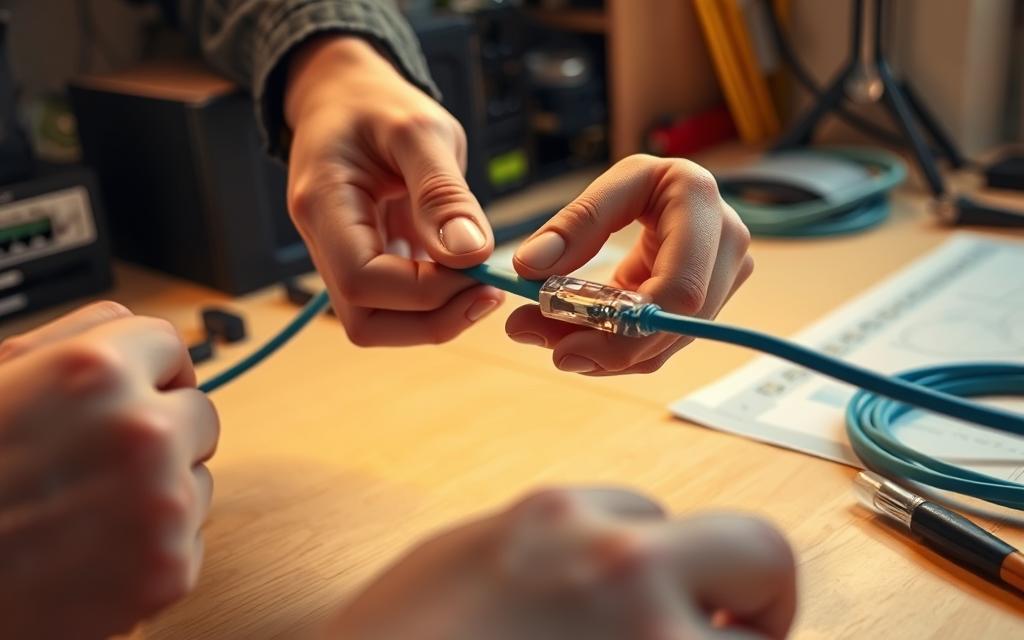
When terminating cables, pay close attention to detail. Follow these steps for reliable connections:
- Strip about 2 cm of the outer sheath using the right tools
- Line up wires according to T568A or T568B standards
- Make sure wires fit fully into the RJ45 plug in the right order
- Crimp the plug firmly with the correct tools for a strong connection
Avoid bending or stretching UTP cables during installation. It can harm the inside wires and affect performance. Also, never pull cables harder than the manufacturer says. These steps help avoid damage that can lower signal quality.
Test each connection after you’ve installed it. Use a certified cable tester to check if everything works right and find any mistakes.
Comparing UTP with Other Network Cable Types
Choosing the right network cable is key. You need to know how different types perform in different places. UTP cables work well for many networking tasks. But, other cables have special benefits for certain situations.
UTP vs. STP: Shielding Differences and Use Cases
Shielded Twisted Pair (STP) cables are similar to UTP but have extra protection. The main difference is STP’s foil or braided shield around the twisted pairs.
This shield helps block out electromagnetic interference. STP cables are better in noisy electrical areas where UTP might lose signal strength.
“The choice between UTP and STP often comes down to environmental factors, not just performance.”
STP’s extra shielding makes it pricier and less flexible than UTP. It needs proper grounding for the shield to work right. This makes installation more complex.
Here are some common uses for each:
- UTP applications: Office networks, home setups, and schools
- STP applications: Industrial sites, factories, and areas with lots of machinery
For a detailed UTP vs STP analysis, think about your setting and budget. STP’s extra cost is worth it only when interference is a big issue.
| Feature | UTP Cable | STP Cable |
|---|---|---|
| Shielding | None | Foil or braided shield |
| Cost | Lower | Higher |
| Interference protection | Basic | Excellent |
| Installation complexity | Simple | Requires grounding |
| Typical environment | Offices, homes | Factories, industrial areas |
UTP vs. Fibre Optic Cables: When to Choose Each
Fibre optic cables are a different technology from UTP. They use light pulses in glass or plastic fibres to send data.
This difference means each has its own strengths and weaknesses. The choice between UTP and fibre optic depends on distance, bandwidth needs, and the environment.
Fibre optic cables have huge bandwidth and can send data long distances without losing signal. They’re also immune to electromagnetic interference, making them great for areas with lots of electrical noise.
Here are some scenarios to consider:
- Choose UTP for: Local networks, desktop connections, and when you’re watching your budget
- Choose fibre optics for: Campus networks, data centre links, and long-distance connections
The network cable comparison between UTP and fibre optics shows they’re for different needs. UTP is good for everyday use, while fibre optics handle high-speed, long-distance tasks.
| Characteristic | UTP Cable | Fibre Optic Cable |
|---|---|---|
| Signal type | Electrical | Light |
| Maximum distance | 100 metres (Cat 6) | Kilometres (single mode) |
| Interference susceptibility | Moderate | None |
| Bandwidth capability | Up to 10 Gbps (Cat 6a) | 100+ Gbps |
| Typical cost | Lower | Higher |
Knowing these differences helps you pick the right cable for each job. The best setup often uses both UTP and fibre optic cables where they’re most effective.
Conclusion
UTP cables are key in computer networks, giving stable and reliable connections. Their twisted pair design balances performance and practicality well. This summary shows their vital role in networking, from home to big businesses.
These cables are cost-effective and easy to install. They meet standards like Cat 5e and Cat 6, working well with Ethernet and more. Even though they can be affected by interference, their common use makes them a top pick for many.
Looking to the future, UTP cables will stay important in network setups. Their flexibility and proven reliability mean they’ll keep being a top choice. This conclusion confirms UTP’s lasting value for strong and efficient connections.
FAQ
What is a UTP cable and what is its role in computer networks?
A UTP (Unshielded Twisted Pair) cable is key in wired computer networks. It has twisted copper wires in a protective jacket. It’s used for data and phone calls, making internet and communication systems work well.
How does the twisting of wires in UTP cables improve performance?
The twisting in UTP cables cuts down on interference and crosstalk. It reduces noise from outside and other cables. This makes signals clearer, cuts down on errors, and boosts network performance.
What are the common categories of UTP cables and their uses?
UTP cables come in categories like CAT5e, CAT6, and more. CAT5e supports up to 1 Gbps and is common in networks. CAT6 and above handle speeds like 10 Gbps. The right choice depends on speed needs and the environment.
In what applications are UTP cables typically used?
UTP cables are used in many places. They connect devices in Ethernet networks, phones, and security systems. They’re good for places needing reliable wired connections.
What are the main advantages of using UTP cables?
UTP cables are affordable, easy to find, and simple to install. They’re thin and don’t need shielding. This makes them cheap to set up and maintain in most places.
What limitations should be considered when using UTP cables?
UTP cables can be affected by interference and radio waves. They also have a limit of 100 metres for Ethernet. Beyond that, signal quality drops, needing boosters or other solutions.
How do I choose the right UTP cable category for my network?
Choose a UTP cable based on your network’s needs. CAT5e is good for most office networks. CAT6 or higher is needed for faster speeds. Think about future needs and interference.
What is the difference between UTP and STP cables?
UTP cables don’t have extra shielding and are cheaper. They’re fine for most offices. STP cables have shielding for better protection in noisy places. They’re more expensive and harder to install.
When should I choose UTP over fibre optic cables?
Use UTP cables for short distances and when saving money. Fibre optic cables are better for long distances and high speeds. They’re more expensive but needed in some situations.
What are some best practices for installing UTP cables?
When installing UTP cables, avoid bends and stretching. Use cable management and ensure connectors are right. Test cables with a tester to find and fix problems early.


 By
By